

























Alex Yumashev
How big should your IT helpdesk team be?
How many IT people do you need for 100 employees? Or 500? Or 1,000?
Ticketing system for customer support teams
Trusted by thousands of companies across 50+ countries
Deliver awesome support to your customers. Jitbit Help Desk ticketing system is dead simple, amazingly powerful and takes seconds to set up. Just forward support emails to the helpdesk app and start managing tickets. We have both SaaS and on-premises versions. Both integrate perfectly with your mailboxes, Active Directory, Google Drive and more besides.
We have live chat, integrations, knowledge base, even chatbots but our primary focus is email. We spent years polishing our email ticketing system. We have IMAP, MS Exchange, POP3, SMTP, O365, built-in anti spam, deduping and flood protection.
Our AI can scrape your website, internal docs (or the provided built-in Knowledge Base component) to use LLMs and auto-generate responses.
Our helpdesk software can be up and running in no time. Sign up for our cloud-hosted helpdesk and start processing support tickets in less than 30 seconds.
All the helpdesk must-haves – email processing, automation, integrations (JIRA, Slack, Dropbox) - at the lowest possible price.
Analyse the load, detect bottlenecks, export to CSV/Excel
Jitbit Helpdesk offers built-in integrations with Slack, Jira, Github, Dropbox, Google Drive, Asana, Harvest, Visual Studio Online and many more. It's also connected to Zapier, which facilitates integration with 500+ different apps.
Built-in API and webhooks mean you can connect to your in-house apps in seconds.
We also have several built-in single sign-on options. So you can authenticate users via SAML, Active Directory (including Azure), Google Account or your own custom app or website.
Jitbit Helpdesk comes with free native mobile apps for both iOS and Android.
Support customers when you’re on the go. Let customers keep tabs on their tickets.
Our mobile app allows you to view and reply to tickets, update ticket details, assign technicians, attach files...
All this through your smartphone.
And with the same great user experience you get on desktop.
Even on slow connections.
Automate the repetitive parts of customer support. And save a heap of time in the process.
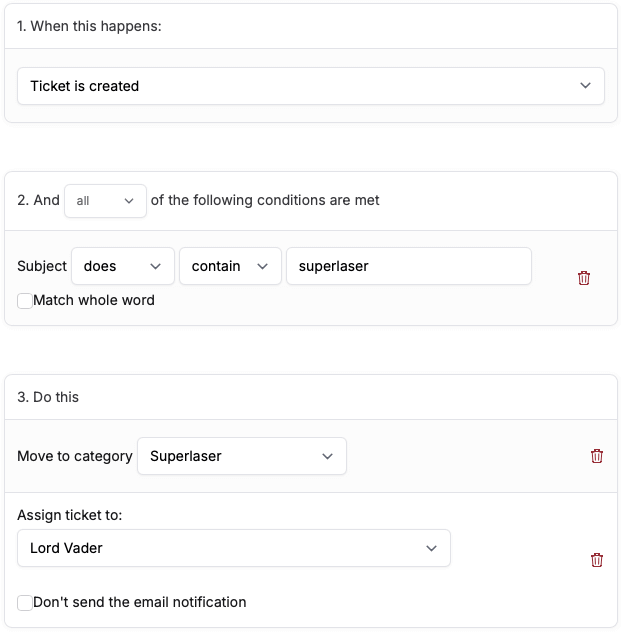
With our powerful automation triggers you can ask Jitbit to send automatic replies, assign technicians to tickets and set ticket due dates. You can even get the help desk to send HTTP requests to third-party servers.
A power user feature, Jitbit automation takes care of the routine. So you get to spend more time helping out your customers.
Imagine a shared inbox for your helpdesk team. Then throw in some advanced reporting.
How about bulk actions and ticket-merging capabilities? And let’s add transparency for your customers into the mix.
That’s what Jitbit is all about.
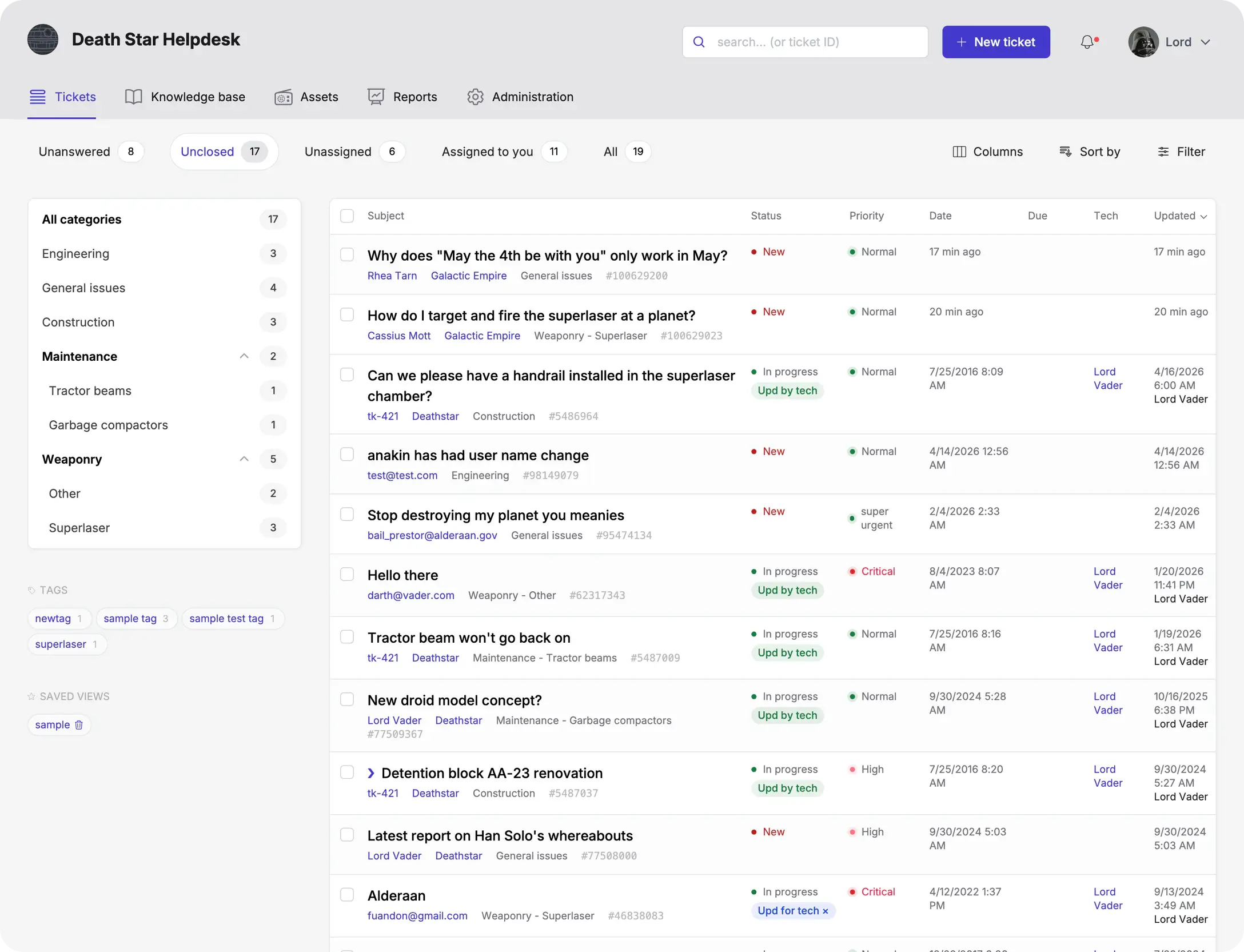
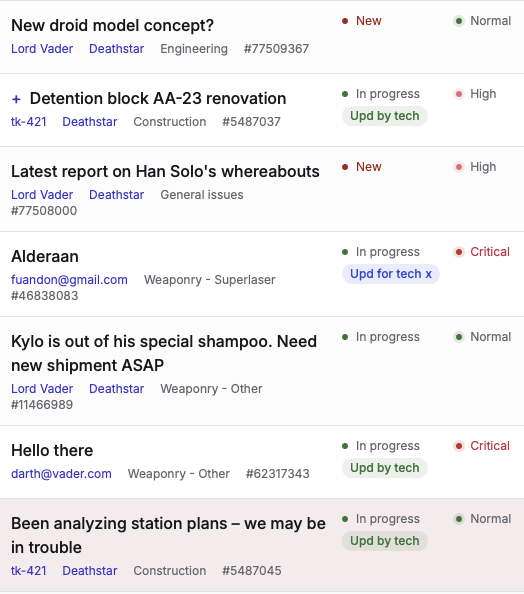
The main ticket list lets you and your team see everything that's happening at a glance. It helps you prioritize your support ticket queue. And recognize which tickets need your attention right now.
With rich filtering and sorting features too, you’ll never forget to reply to another ticket again.
Typing out the same response to the same query day after day? Let Jitbit rescue you from the boredom of repetitive tasks.
Insert canned responses or links to Knowledge Base articles with a couple of clicks. Jitbit even suggests relevant Knowledge Base articles to customers while they’re typing support requests.
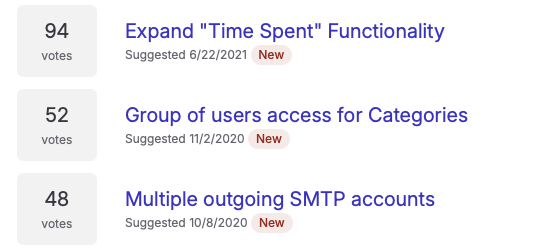
Let your customers suggest and vote for new features. And discuss them in a public forum. This free add-on makes product management both easy and data-driven.
You can prioritize your roadmap publicly. And discover which features and improvements your users really want to see.
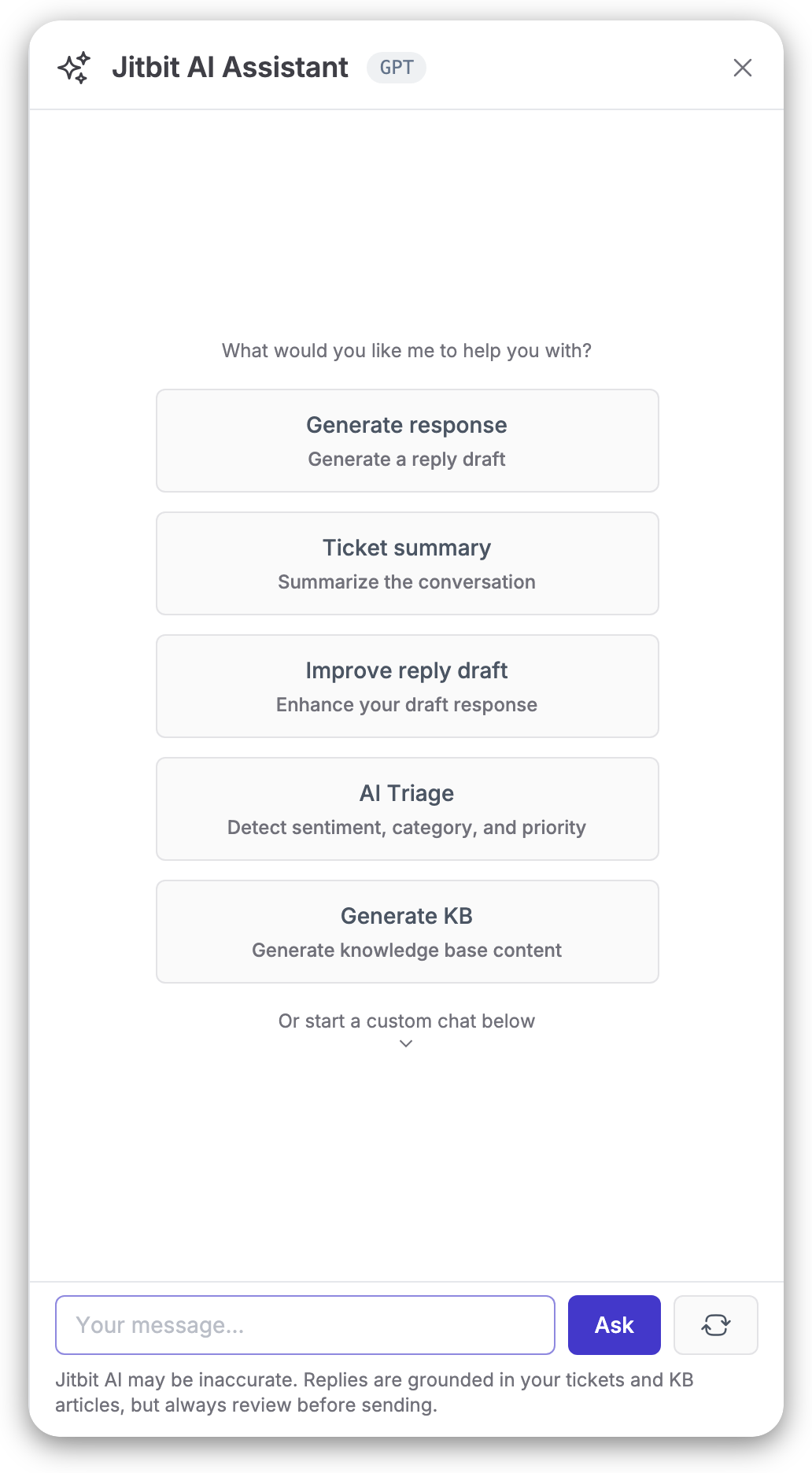
Jitbit Helpdesk seamlessly integrates advanced AI technology, powered by ChatGPT, to boost your support team's productivity. The AI assists by crafting context-aware ticket responses, summarizing lengthy tickets for quicker comprehension, and refining reply quality.
Additionally, the system automatically recommends relevant knowledge base articles, enabling agents to deliver faster and more accurate solutions.
Not just a helpdesk, Jitbit IT ticketing system helps manage IT service requests, track your organization's assets (servers, computers and other hardware), organize users into departments, assign different IT specialists to different parts of your IT infrastructure.
Within just a 1 day, I was able to demo your product online, install it locally, buy it, fully import our clients and technicians, build our basic categories, and go live. What a fabulous product! I wish I had found you years ago.
I have to say our company was using a higher priced helpdesk and was limited on what we could actually do with the software. Then we found JitBit Helpdesk and the rest is history.
I would like to thank the great development team you have. I've raised perhaps 30 tickets with feature requests and many of them have already been implemented! You really know customer support and do it very well, keep it up!
I've been using Jitbit HelpDesk for about 9 months now. The Jitbit group is flexible at implementing requested features and release request updates. It's the best tracker out on the market and I HIGHLY recommend it.
Not only has it been a great software solution for our needs, but the team has been very responsive and helpful whenever we needed assistance. I feel like a partner with JitBit, not just another customer.
Latest insights and updates from our team.
Alex Yumashev
How many IT people do you need for 100 employees? Or 500? Or 1,000?
Max Al Farakh
If you contacted our customer support recently, you probably talked to Lucie. She is great, but she was on vacation last week and I didn't want to deal with a lot of support tickets by myself.
So I thought that maybe it was time to go YOLO-mode and see if our AI features were actually usable, or if we were lying to ourselves.
Alex Yumashev
We are changing SPF and DMARC handling for *.jitbit.com email addresses to "hard fail" after a wave of spoofing attacks, reach out to support if you're affected.