Helpdesk GitLab Integration - Connect Support Tickets to GitLab Issues
The Jitbit Helpdesk GitLab integration lets your support team create GitLab issues directly from support tickets - with a single click. No more switching between your helpdesk and your DevOps platform to log bugs or relay feature requests.
GitLab is a complete DevOps platform that combines code hosting, issue tracking, CI/CD pipelines, and more into one application. By connecting it to Jitbit Helpdesk, you bridge the gap between your support agents and your development team, so customer-reported issues reach the right people faster.
See the full list of Jitbit third-party integrations.
Setting up the helpdesk GitLab integration
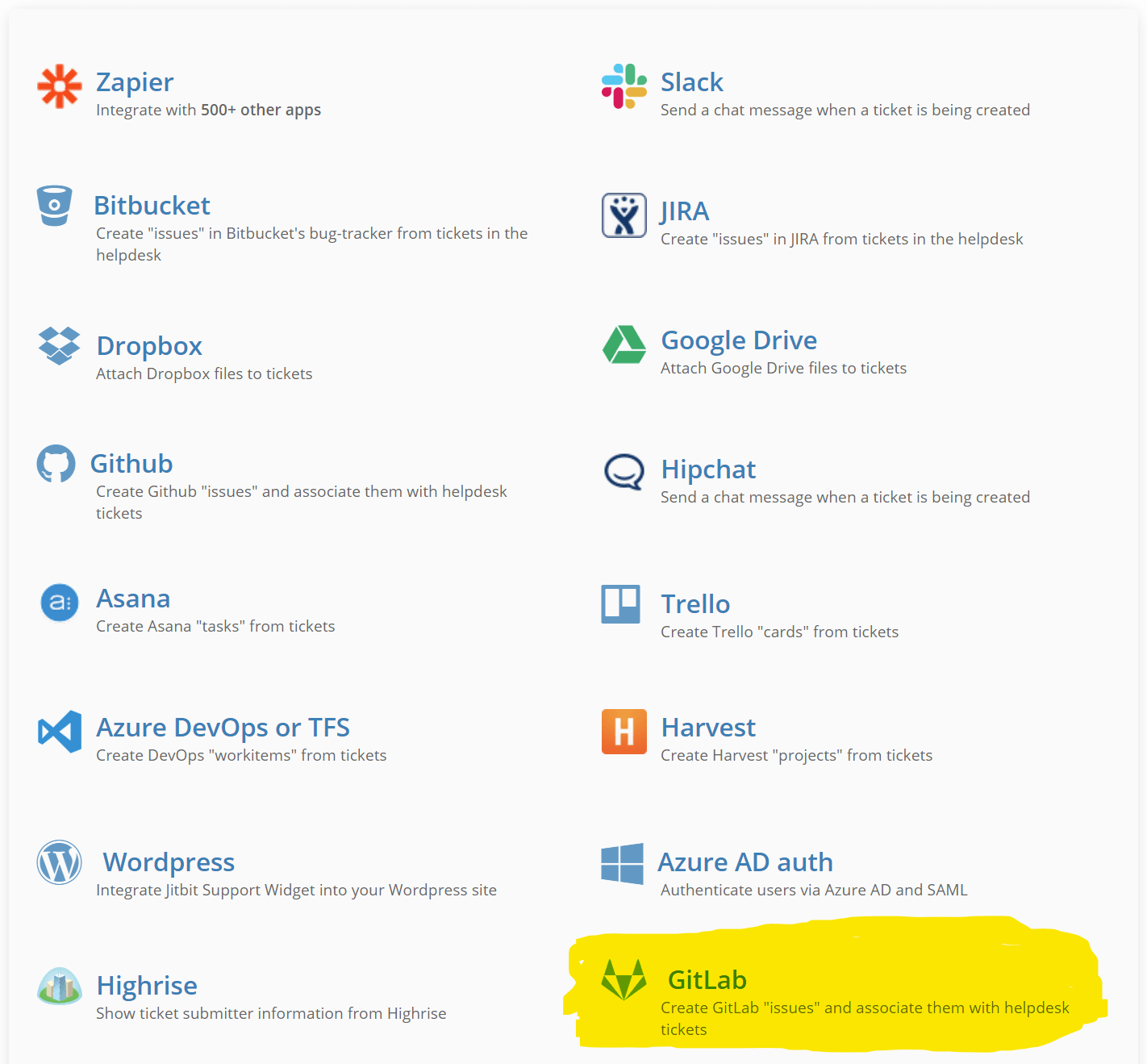
In your Jitbit app, go to the admin panel, then navigate to Integrations and find GitLab.
Click "Enable GitLab integration". You will need a personal access token for the GitLab repository you want to connect. GitLab's documentation explains how to create a personal access token. When creating the token, make sure you grant it "API" permissions in the "Scopes" section - this allows Jitbit to create and link issues on your behalf.
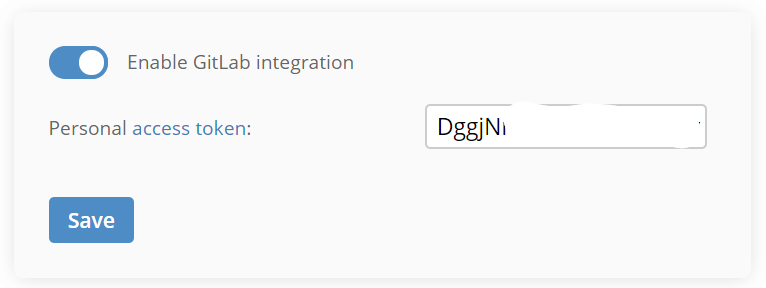
Paste the token into Jitbit, hit "Save", and the integration is ready to use.
Creating GitLab issues from support tickets
Once the integration is enabled, every support ticket in Jitbit displays a "Create Issue in GitLab" button in the right sidebar.
Click the button, select the target GitLab project, review the issue details, and hit "Save".
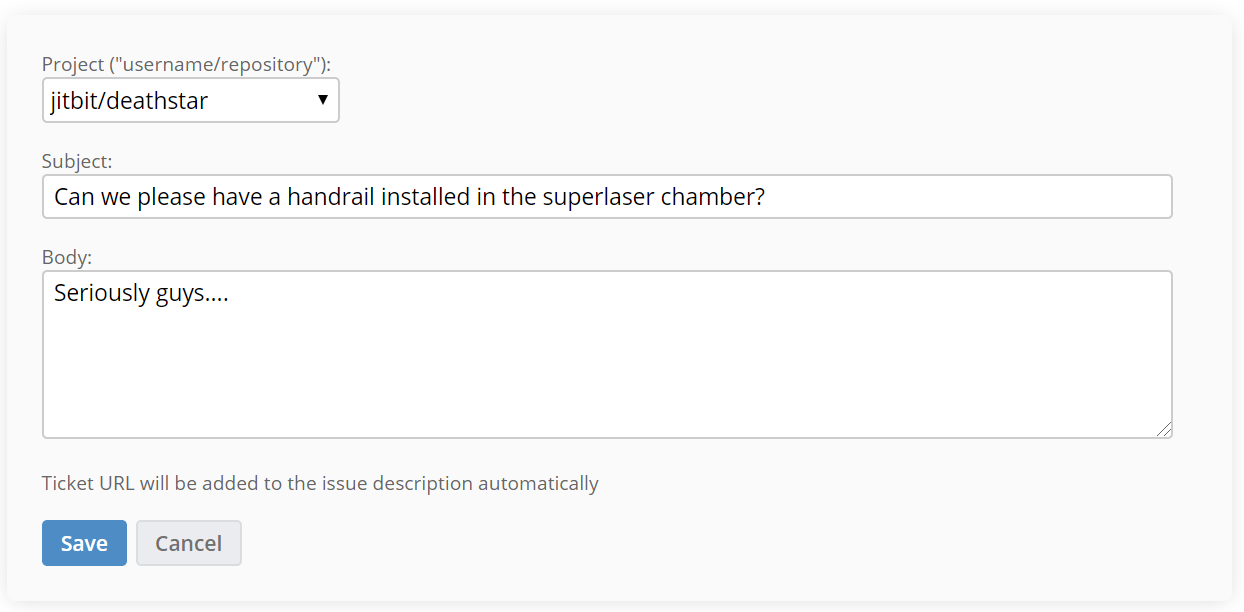
Jitbit creates the issue in your selected GitLab repository and automatically links the two together. The GitLab issue includes a link back to the original support ticket, and the helpdesk ticket shows a direct link to the newly created GitLab issue.
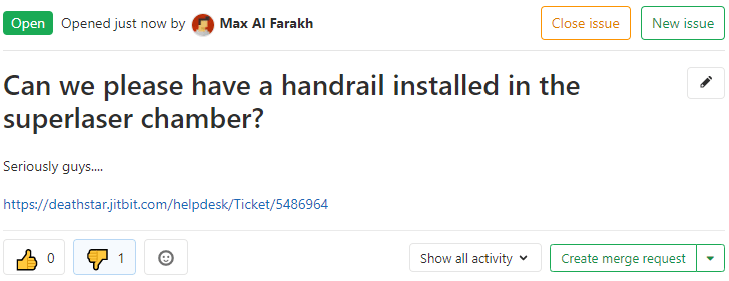
Why connect your helpdesk to GitLab
- Eliminate copy-pasting. Turn a customer-reported bug into a tracked GitLab issue in seconds, complete with ticket context and a link back to the original request.
- Keep support and engineering in sync. Both teams see linked references, so no one has to ask "where's the ticket for this?" or "did the dev team see this bug report?"
- Close the feedback loop faster. When an issue is resolved in GitLab, your support agent can find the linked ticket instantly and update the customer.
Related integrations
Jitbit Helpdesk also offers similar issue-tracker integrations for teams that use other platforms:
- Jira integration - create Jira issues from support tickets
- GitHub and Bitbucket integration - link helpdesk tickets to GitHub or Bitbucket issues
Explore Jitbit Helpdesk
Helpdesk features Hosted vs On-Premises Zendesk vs. Jitbit Compare alternatives Outlook Help Desk A Simple Support Ticket System System Requirements MS Teams and other integrations Help Desk Demo Email ticketing system GDPR Compliant Help Desk Software How does it work? HelpDesk Source Codes ASP.NET help desk Helpdesk API Case Studies Customer reviews User guide FAQ Version history Download now Pricing