Best Zendesk Alternatives in 2026 - Jitbit Helpdesk
Ask people who have spent a few years in Zendesk what they think of it, and the answers are surprisingly consistent. It feels dated and clunky - for agents and for the customers on the other end. It's built for 200-person support orgs and priced to match. Every co-founder or engineer who "just helps with tickets sometimes" costs another full seat. The AI you see in the demo is an add-on with its own meter. Zendesk's own support is slow. And every so often a redesign quietly removes a feature your team relied on - usually right after you paid the annual renewal.
None of that means Zendesk is a bad product. It means a lot of teams are paying for a platform they don't need. Below are the Zendesk alternatives worth a serious look in 2026, with current pricing, what each one is good at, and where each one falls short. One piece of advice before you start: pick two or three candidates, push 20 real tickets through each, and notice what annoys you in the first hour. That tells you more than any feature matrix.
Table of Contents
- Pricing at a Glance
- What a 10-Agent Team Actually Pays
- 1. Jitbit Helpdesk
- 2. Freshdesk
- 3. Help Scout
- 4. Zoho Desk
- 5. Intercom (now Fin)
- 6. HubSpot Service Hub
- How to Choose
Pricing at a Glance
Prices are per agent per month on annual billing unless noted. Zendesk is included for reference.
| Tool | Pricing model | Entry plan | Mid-tier plan | Free plan | AI cost |
|---|---|---|---|---|---|
| Jitbit | Flat per team | $25/mo total (1 agent) | $108/mo total (7 agents) | Free trial | Included |
| Zendesk | Per agent | $55 (Suite Team) | $115 (Suite Professional) | No | Copilot +$50/agent; AI resolutions metered |
| Freshdesk | Per agent | $19 (Growth) | $55 (Pro) | Not listed | Copilot +$29/agent; $49 per 100 AI sessions |
| Help Scout | Per user | $25 monthly, ~$21 annual (Standard) | $45 monthly, ~$38 annual (Plus) | Yes, 5 users, 1 inbox | $0.75 per AI resolution |
| Zoho Desk | Per agent | $14 (Standard) | $23 (Professional) | Yes, limited | Zia on Professional and up |
| Intercom (Fin) | Per seat + per outcome | $29 (Essential) | $85 (Advanced) | No | $0.99 per Fin outcome |
| HubSpot Service Hub | Per seat | from $7 (Starter) | $90 (Professional) + $1,500 onboarding | Yes, 2 users | Usage-based credits |
List prices from each vendor's pricing page, September 2026. Vendors change prices often - check before you buy.
What a 10-Agent Team Actually Pays
Per-agent prices look small until you multiply them. Here is the monthly cost for ten agents on the plan a team that size usually ends up on - the one with SLAs, automation, and decent reporting:
| Tool & plan | 10 agents, per month |
|---|---|
| Jitbit Enterprise | $278 on monthly billing, AI included |
| Zendesk Suite Professional | $1,150, or $1,650 with Copilot |
| HubSpot Service Hub Professional | $900 + $1,500 one-time onboarding |
| Intercom Advanced | $850 + $0.99 per Fin outcome |
| Freshdesk Pro | $550, or $840 with Copilot |
| Help Scout Plus | ~$380 annual, $450 monthly, + $0.75 per AI resolution |
| Zoho Desk Professional | $230 |
Zoho Desk is the cheapest option on paper. Jitbit is close behind, with AI and every feature included, and the gap in Jitbit's favor gets bigger once you add AI to anyone else's bill.
1. Jitbit Helpdesk
Best for: small and mid-sized support and IT teams that want a fast, uncluttered ticketing system without per-seat math.
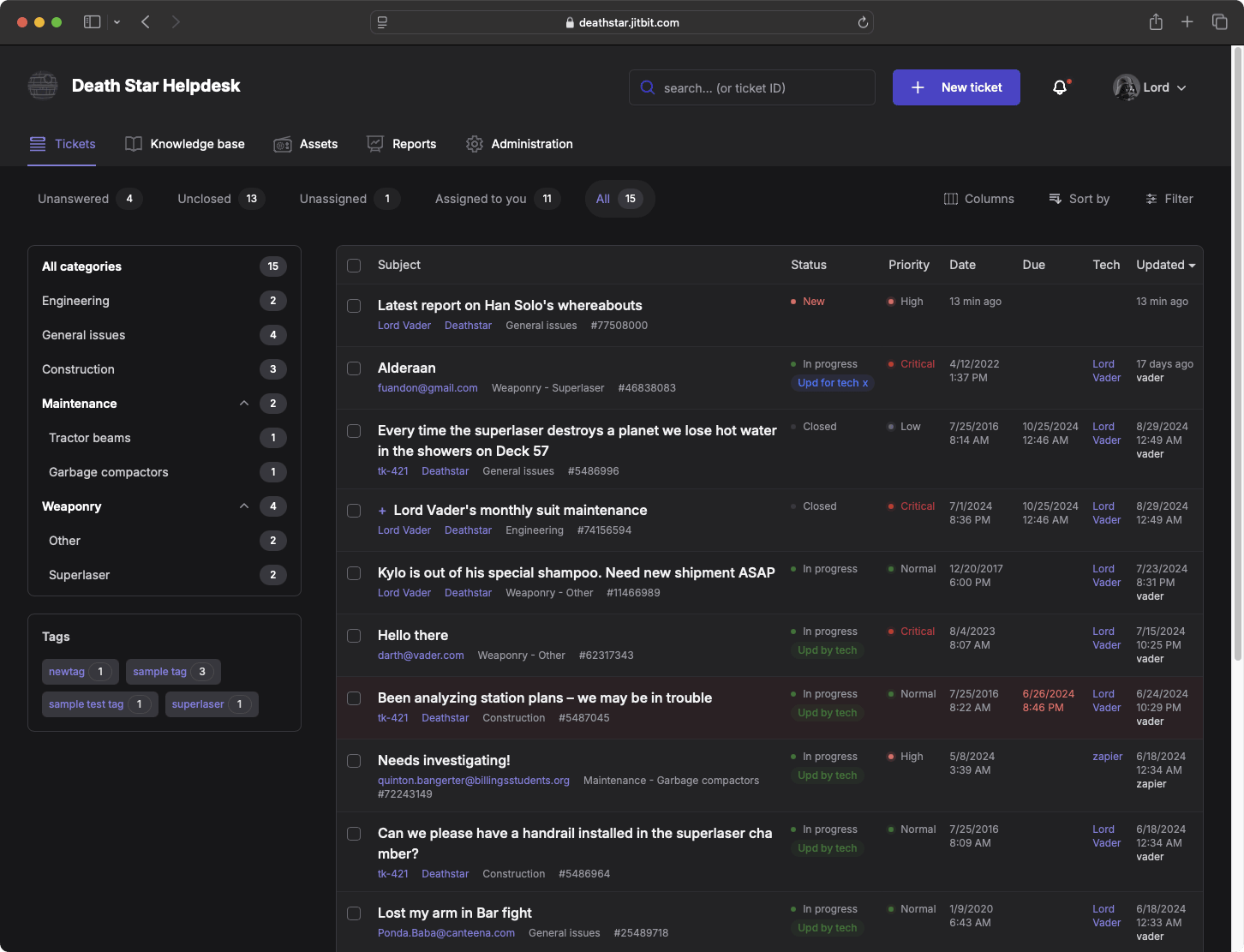
Jitbit is the tool we build, so read this section with that in mind. We're also the obvious answer to most of the complaints at the top of this page. Jitbit is deliberately simple: the ticket list, the reply box, and the things you use every day are in front of you, and the rest stays out of the way until you need it. Everyone at Jitbit, founders included, answers support tickets in Jitbit every day, so we feel every extra click ourselves.
Simple does not mean thin. You get:
- Automation rules and SLAs to route, escalate, and close tickets without manual work
- AI features - suggested replies from your knowledge base, ticket summaries, reply polishing, and an AI live chat that hands off to a human. Your choice of GPT, Gemini, or Claude
- Knowledge base, customer portal, and live chat
- Asset management, time tracking, and reporting
- SSO, a full API, and 30+ integrations including Slack, Jira, GitHub, and Azure DevOps
Pricing: Jitbit charges per tier, not per seat - $29 to $249 a month for the whole team, with every core feature on every plan and unlimited AI credits from the Startup plan up. Annual billing takes about two months off. If you need to keep data on your own servers, there is also a self-hosted version with a one-time license - something Zendesk doesn't offer at all.
Switching: Jitbit has a built-in Zendesk importer. Enter your Zendesk credentials, wait a few minutes, and your ticket history is there - no CSV exports or manual field mapping. For a detailed breakdown, see Zendesk vs. Jitbit.
Downsides: Jitbit has no built-in call-center module (voice, IVR), and it doesn't try to be a sales CRM. If telephony or a combined CRM is central to how you work, look at the tools further down this list.
Jitbit is a profitable, self-funded company - no VC, no private equity, no acquisition roadmap. Feature requests go to the people who write the code, and turnaround is often days, not quarters.
2. Freshdesk
Best for: teams that want Zendesk's breadth - multichannel, SLAs, field service - at a lower price.
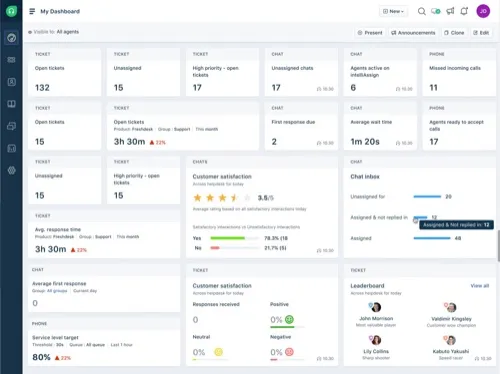
Freshdesk is the most common "Zendesk, but less painful" pick. The interface is friendlier, setup is quicker, and the entry price is a third of Zendesk's. The catch is that the paid tiers slowly turn into a smaller Zendesk: features are spread across plans, so a growing team tends to end up on Pro or Enterprise.
Pricing: Growth $19, Pro $55, Enterprise $89 per agent per month, billed annually. Freddy AI Copilot is an extra $29 per agent on Pro and Enterprise. Freddy AI Agent comes with 500 free sessions, then costs $49 per 100 sessions.
Downsides: AI is an add-on, and important features are tied to higher tiers. More in our Freshdesk vs. Jitbit comparison and Freshdesk alternatives guide.
3. Help Scout
Best for: email-first teams that want support to feel like a well-organized shared inbox.
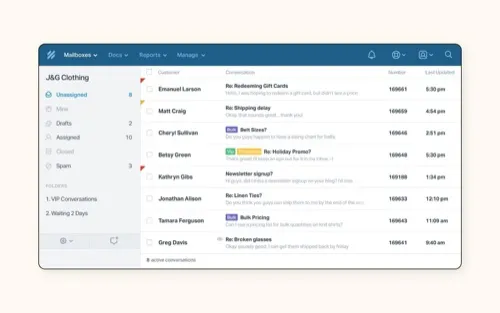
Help Scout is one of the nicest tools to use every day. Customers get what looks like a normal email instead of a "ticket #48213 has been updated" notice, and agents get a clean, quick UI. There's a real free plan for up to 5 users with one inbox, which makes it an easy place to start.
Pricing: Standard $25, Plus $45, Pro $75 per user per month, 16% off on annual billing. Extra inboxes cost more. AI Answers is billed at $0.75 for each conversation it resolves.
Downsides: it's a shared inbox, not a full service desk - no asset management, and SLAs are limited on lower plans. Per-resolution AI billing makes costs harder to predict. See our Help Scout alternative page for the details.
4. Zoho Desk
Best for: companies already running on Zoho CRM and the wider Zoho suite.
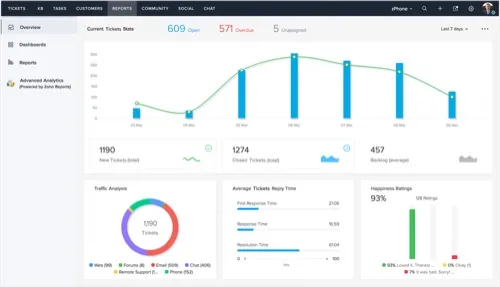
Zoho Desk is inexpensive and has a lot of features: multichannel ticketing, a knowledge base, workflow automation, and Zia, Zoho's AI assistant, on higher plans. If your sales team already lives in Zoho CRM, it gives you a shared customer record almost for free.
Pricing: Standard $14, Professional $23, Enterprise $40 per agent per month on annual billing, and noticeably more on monthly billing. There is a limited free edition.
Downsides: the interface is busy, and configuring it can feel like working through the Zoho ecosystem rather than just setting up a helpdesk. More in our Zoho Desk alternative write-up.
5. Intercom (now Fin)
Best for: SaaS and product companies where support mostly happens in in-app chat.
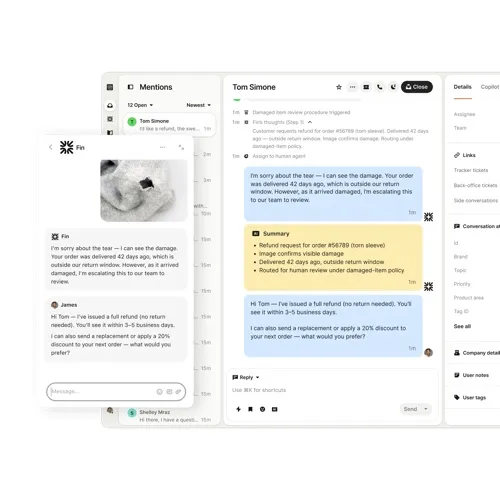
Intercom renamed itself Fin in May 2026, after its AI agent, and in June 2026 Salesforce signed an agreement to acquire it. The product is still the most polished messenger on this list, and Fin is one of the stronger AI agents available. For chat-first, AI-first support it's hard to beat.
Pricing: Essential $29, Advanced $85, Expert $132 per seat per month, billed annually (about $39, $99, and $139 on monthly billing). Fin costs $0.99 per outcome on top of that, and Copilot and other add-ons cost extra.
Downsides: costs climb quickly - the more Fin resolves, the more you pay. Email ticketing feels secondary to chat. And with a Salesforce acquisition pending, the long-term pricing and roadmap are open questions.
6. HubSpot Service Hub
Best for: teams whose sales and marketing already run on HubSpot.
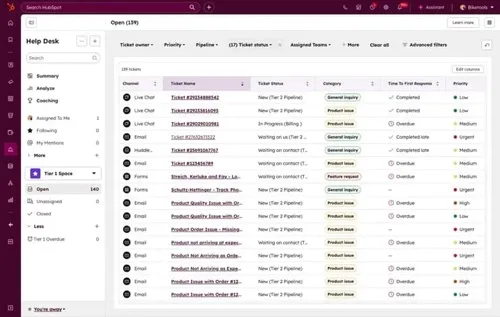
The main reason to pick Service Hub is that support history sits right next to the customer's deals, emails, and marketing activity. If HubSpot is already your system of record, that context is worth a lot, and the free tier (2 users) lets you try it at no cost.
Pricing: Starter from $7 per seat per month on an annual commitment ($20 monthly). Professional is $90 per seat on annual billing ($100 monthly) plus a mandatory $1,500 onboarding fee. Enterprise starts at $150 per seat plus $3,500 onboarding. AI features draw on HubSpot credits, which run out.
Downsides: the jump from Starter to Professional is steep, and most serious helpdesk features - SLAs, advanced routing, reporting - start at Professional. Without the rest of HubSpot, it's an expensive helpdesk.
How to Choose
Start from where your support conversations actually happen, not from the longest feature list:
- Mostly email and a help center? You want quick replies, simple routing, and a good knowledge base. Jitbit or Help Scout.
- Live chat and in-app messaging at the center? Intercom, if the budget allows. Jitbit's live chat covers the basics for less.
- Lots of handoffs between support, product, and engineering? Look for automation rules, SLAs, and integrations with Jira or Azure DevOps. Jitbit or Freshdesk.
- Colleagues who pitch in only occasionally? Per-seat pricing punishes this. Flat tier pricing like Jitbit's doesn't.
- Already on a CRM platform? HubSpot Service Hub or Zoho Desk keep everything in one place.
- Need data on your own servers? Of the tools here, only Jitbit offers a self-hosted version.
Most importantly, don't buy for the enterprise support team you might have in five years. Most teams need a clean queue, fast replies, decent customer history, and a tool nobody dreads opening in the morning.
If that sounds like you, start a free Jitbit trial - no credit card required - and run the built-in Zendesk importer on day one to test it with your real tickets. If you need more time to evaluate, we're happy to extend the trial.
Features
9 reasons to choose Hosted Zendesk vs. Jitbit Compare alternatives What is SaaS Active Directory Authentication Cloud Help Desk Free Email account and more Authentication API Online Ticketing System Benefits Single Sign On SLA and Help Desk Automation Helpdesk API Helpdesk for your industryResources
Customer reviews User guide FAQ What's new Version history Free trial Pricing