Tickets
Ticket Approvals
The ad-hoc approval engine lets a technician request sign-off on a ticket from any user in the helpdesk. The chosen approver receives an email with a link where they can approve or reject the ticket — no login required.
Requesting approval
On the ticket page, open the More menu and choose Request approval....
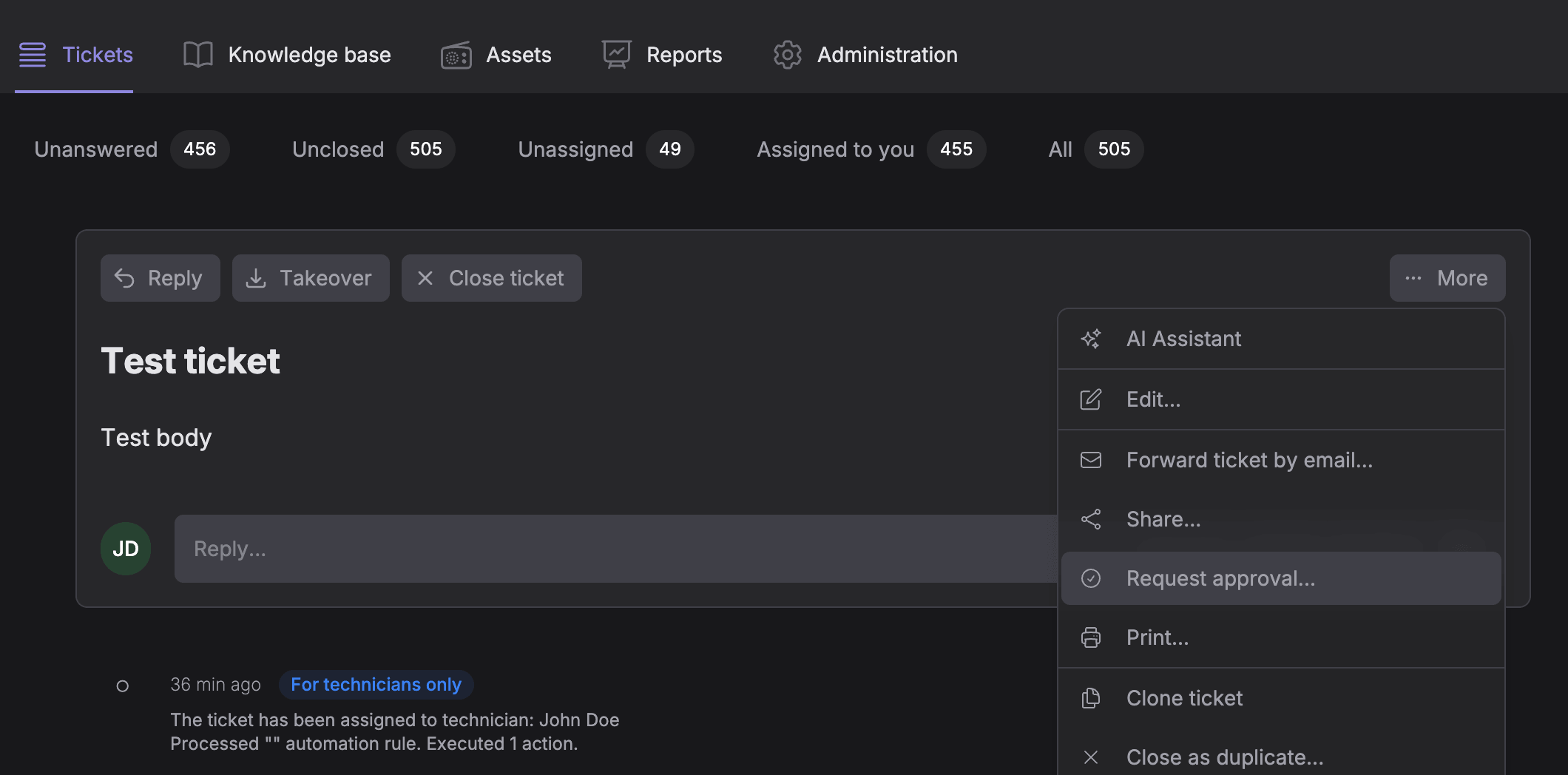
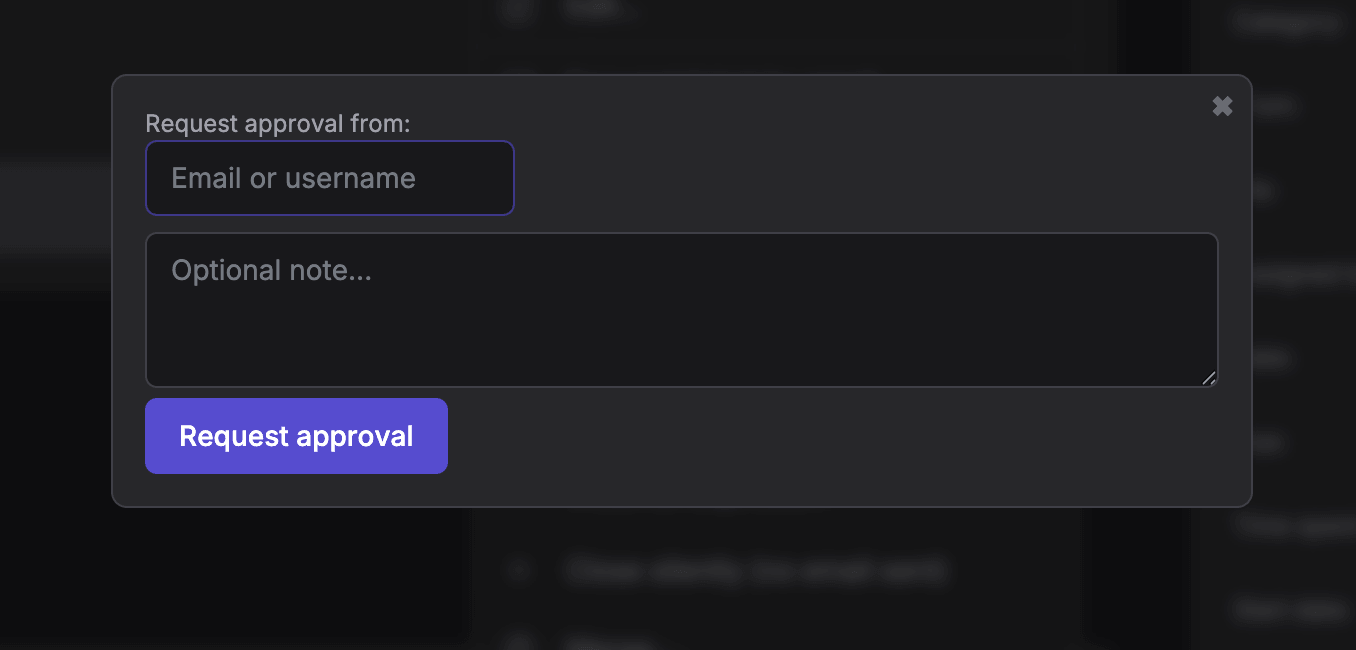
Pick any user as the approver, optionally add a note, and click Request approval.
The approver receives an email notification with Approve and Reject links. A system comment (visible to technicians only) is also added to the ticket log.
While approval is pending, the ticket details panel shows an Approval row with a badge such as "Awaiting from [name]". Administrators can cancel a pending request from that badge.
Approving or rejecting
The approver clicks Approve or Reject in the email. This opens a simple confirmation page where they can optionally leave a comment before submitting their decision.
After a decision is made:
- The approval badge on the ticket updates to Approved by [name] or Rejected by [name]
- A system comment is added to the ticket (technicians only)
- The technician who requested approval receives an email notification with the outcome
The email links are secured with a one-time hash (the same mechanism used for customer satisfaction rating links). If the request was already handled, the link shows an error instead of allowing a second decision.
Notes
- Only technicians can request approval; the approver can be any registered user.
- You cannot request a new approval while one is already pending — wait for a decision, or ask an administrator to cancel the pending request.
- When a ticket is deleted, its approval record is removed as well.