
Helpdesk Ticketing System
Order in your inbox
Secure, email-first ticketing system that turns support requests from email, web portal, live chat and APIs into trackable tickets. Self-hosted or SaaS
Everything your team needs.
Nothing to slow it down.
From the first email to the final resolution, keep support moving.







What is an IT ticketing system?
An IT ticketing system converts tech support requests (via email, API, WhatsApp, portal, live chat widget, etc) into a structured database for tracking. Whether it's a server outage report or a password reset, it all goes into a central SQL storage where your team can collaborate. It works equally well for internal IT support and for external customer service teams.
Jitbit is an affordable, lightweight and good-looking Ticketing System designed specifically for sysadmins and IT managers.
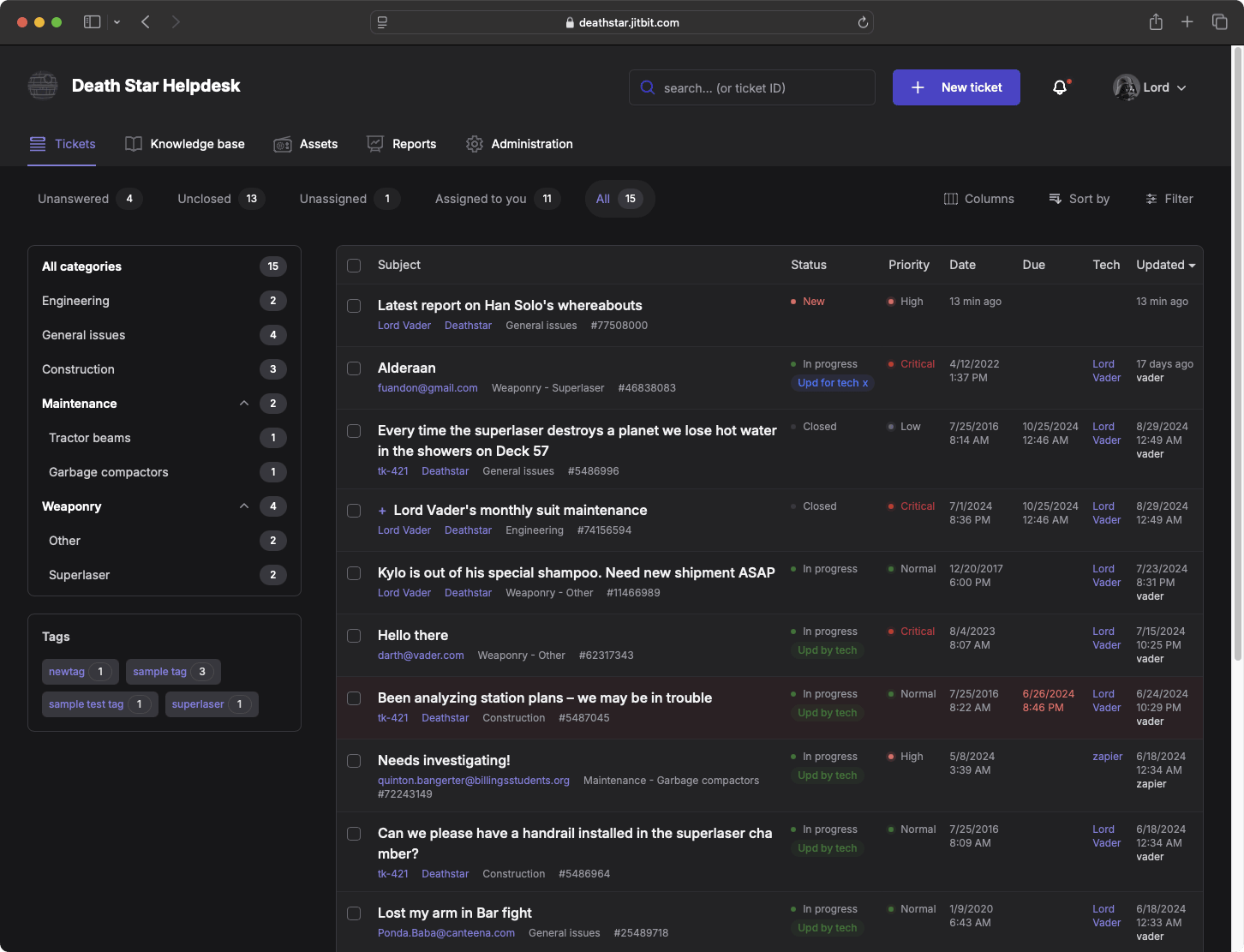
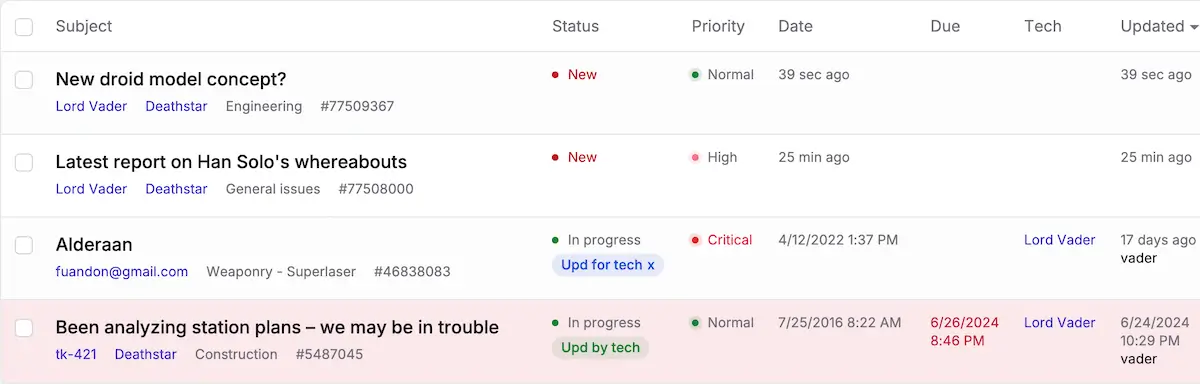
All tickets at a glance
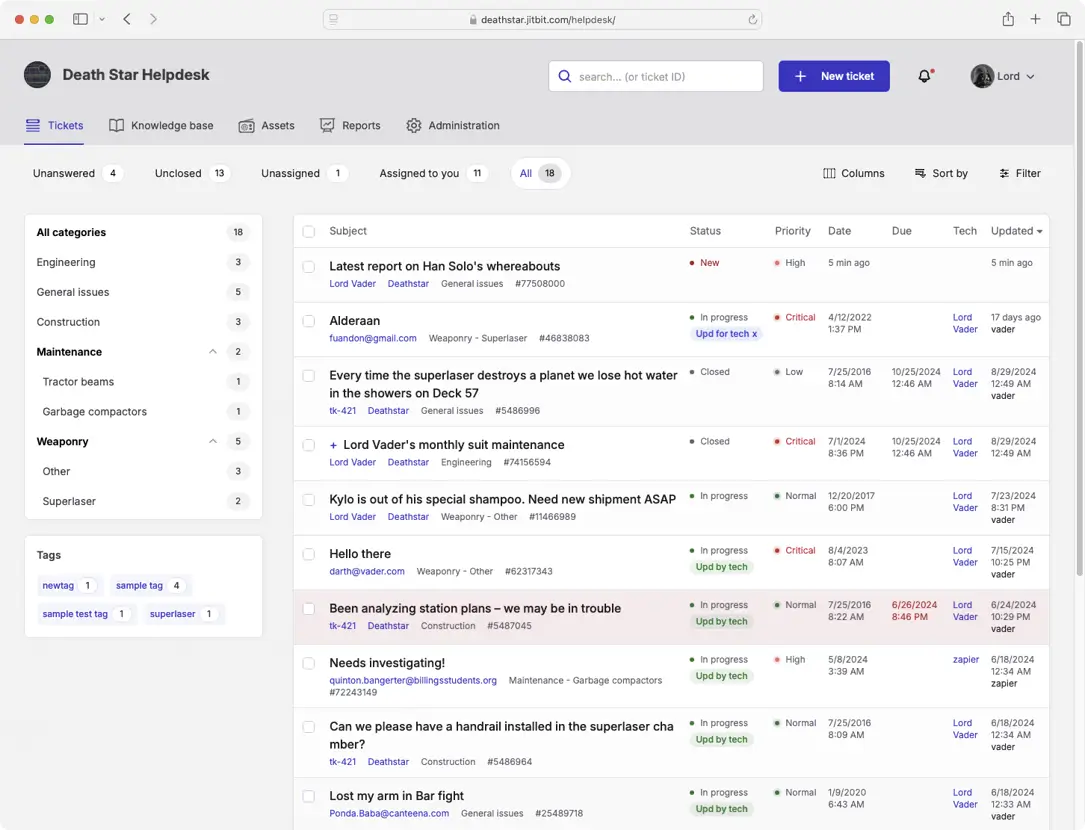
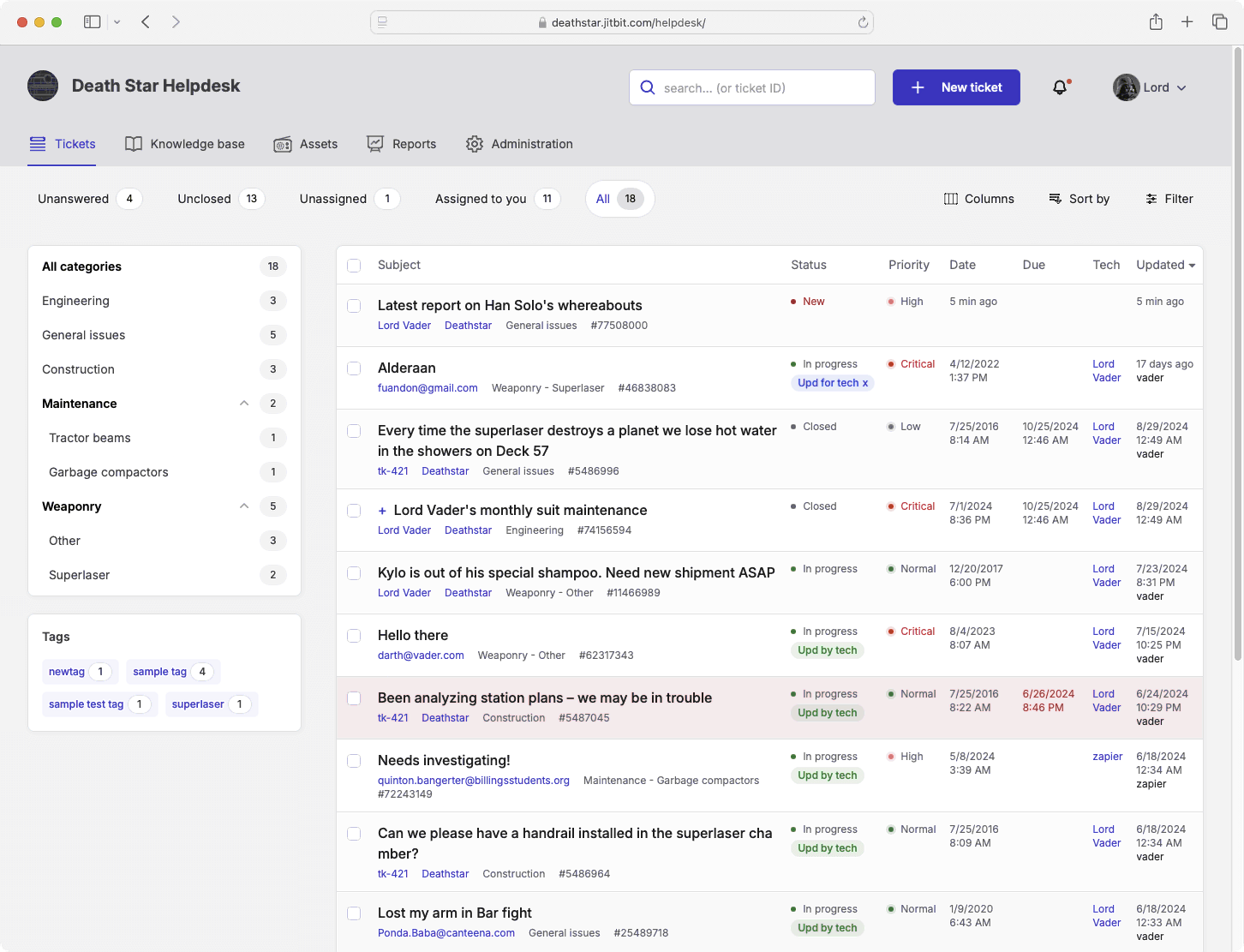
The main grid gives you a command-center view of your infrastructure's health. Filter by "Unanswered," "My Assignments," or custom queries. Perform bulk operations - merge duplicates, mass-close spam, or re-assign tickets - without leaving the page.
Whether you're a Level 1 Tech or an IT Director, the grid adapts to your workflow. We've spent years optimizing the query performance so it's instant.
The ticket list updates in real-time using WebSockets. No need to refresh; you'll see new incidents pop up instantly.
Everything is neatly organized
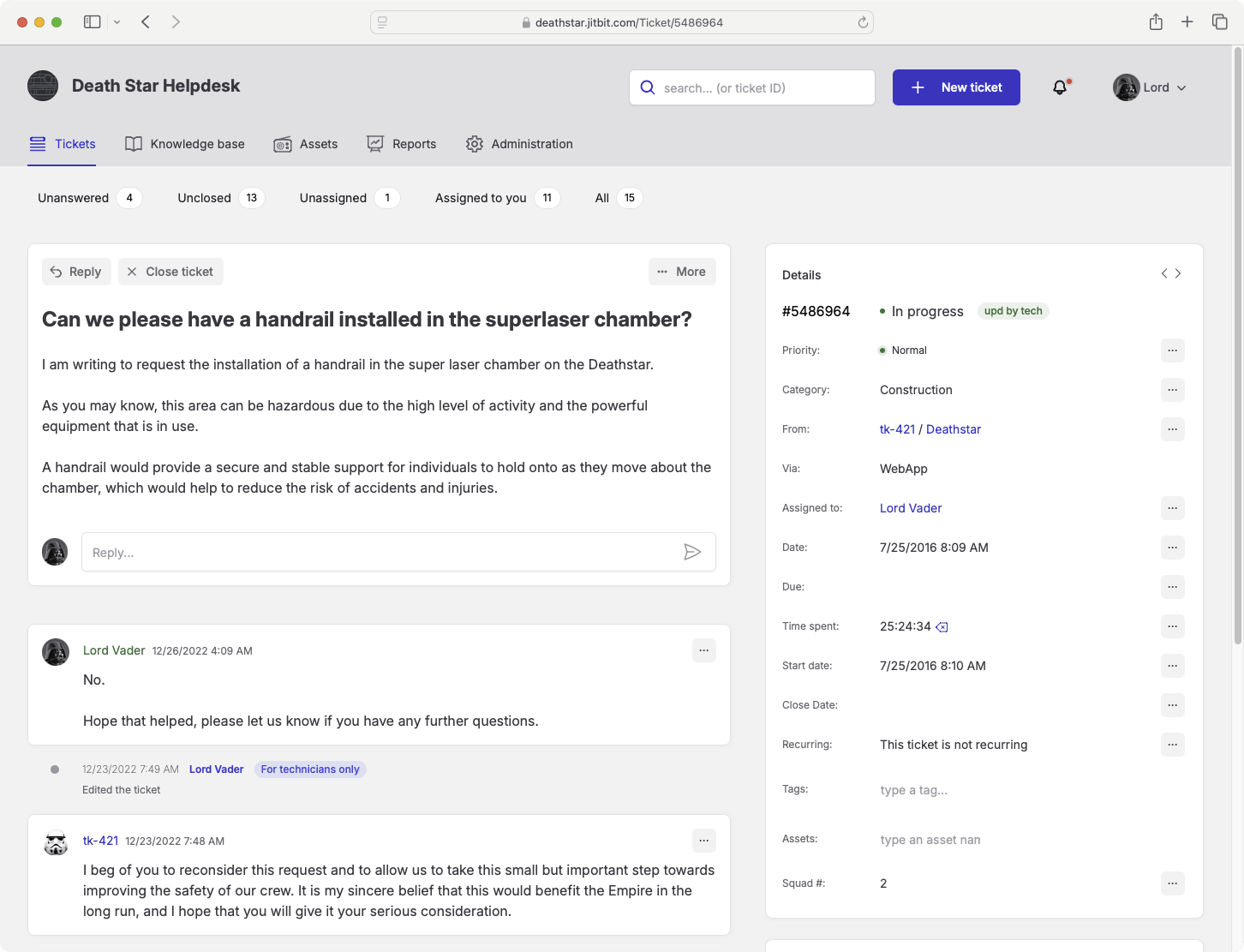
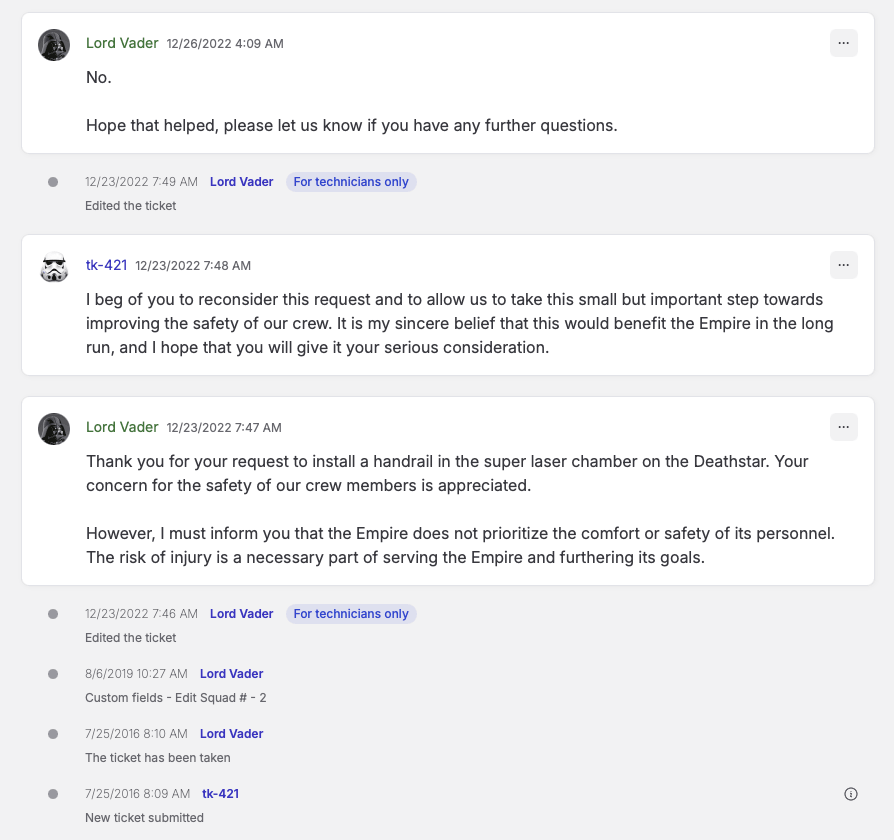
Click a ticket to see the full audit trail: conversation history, file attachments, private internal notes, and automation logs. No more digging through a shared Exchange mailbox.
Powerful Features (That Stay Out of Your Way)
We know "enterprise software" usually means "cluttered UI." We designed Jitbit to be clean. Features like Asset Management, Knowledge Base, and Time Tracking are there when you need them, but invisible when you don't.
If you don't need a particular feature, you probably won't even see it. It won't get in your way until you actually need it.
Categories & Tags
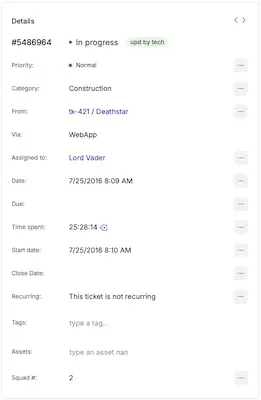
Organize your workflow with Categories (e.g., "Network," "Hardware," "Access Requests").
Assign categories to specific team members, glance at the "previous tickets from this company".
Use our powerful Automation Engine to route tickets automatically based on sender, subject keywords, or time of day.
Tag tickets for granular reporting (e.g., "Feature Request," "Urgent," "Q4-Project").
IT Performance Reports
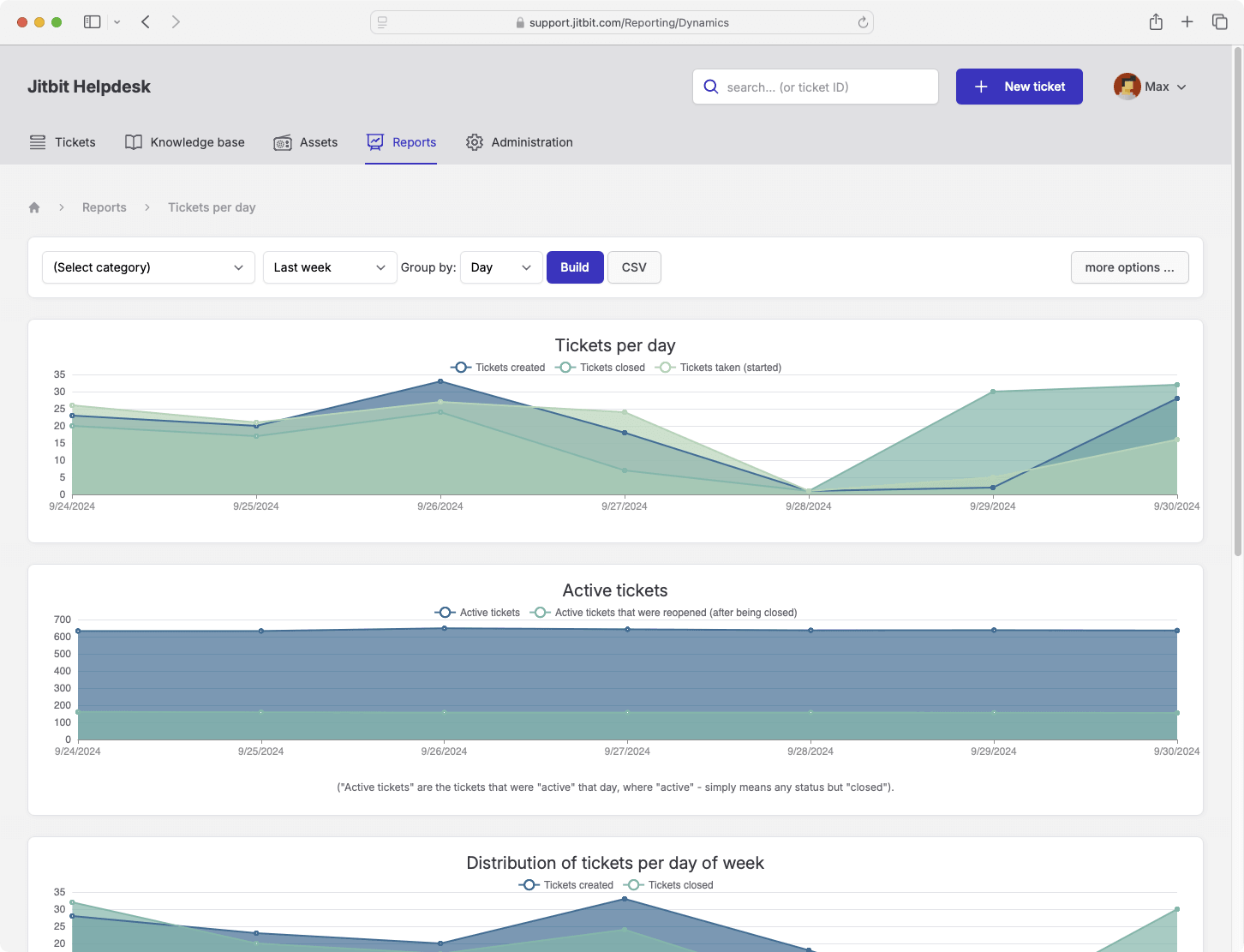
Track your team's KPIs with built-in reports. Need something specific? Use our "Custom Report" tool to query your data and export to Excel/CSV or even Power BI for further analysis.

Automation Rules ("If This, Then That")
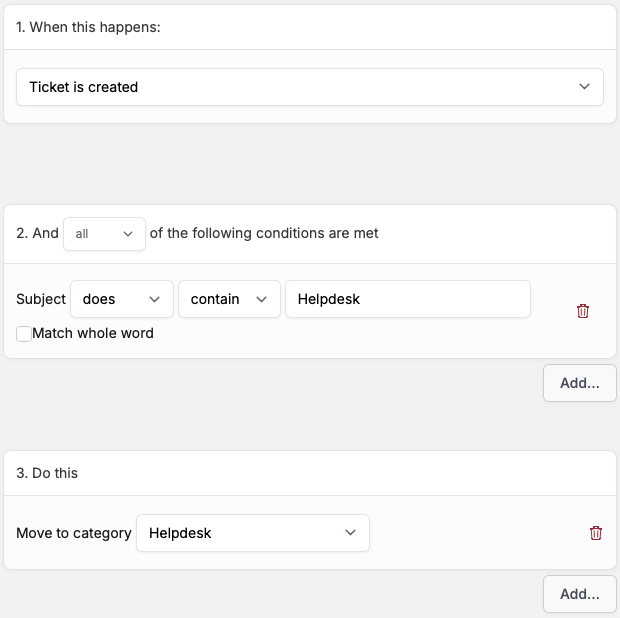
Stop manually assigning and categorizing tickets. Jitbit's Automation Rules let you script your helpdesk logic: "If subject contains 'Server Down', assign to Level 3 and SMS the admin."
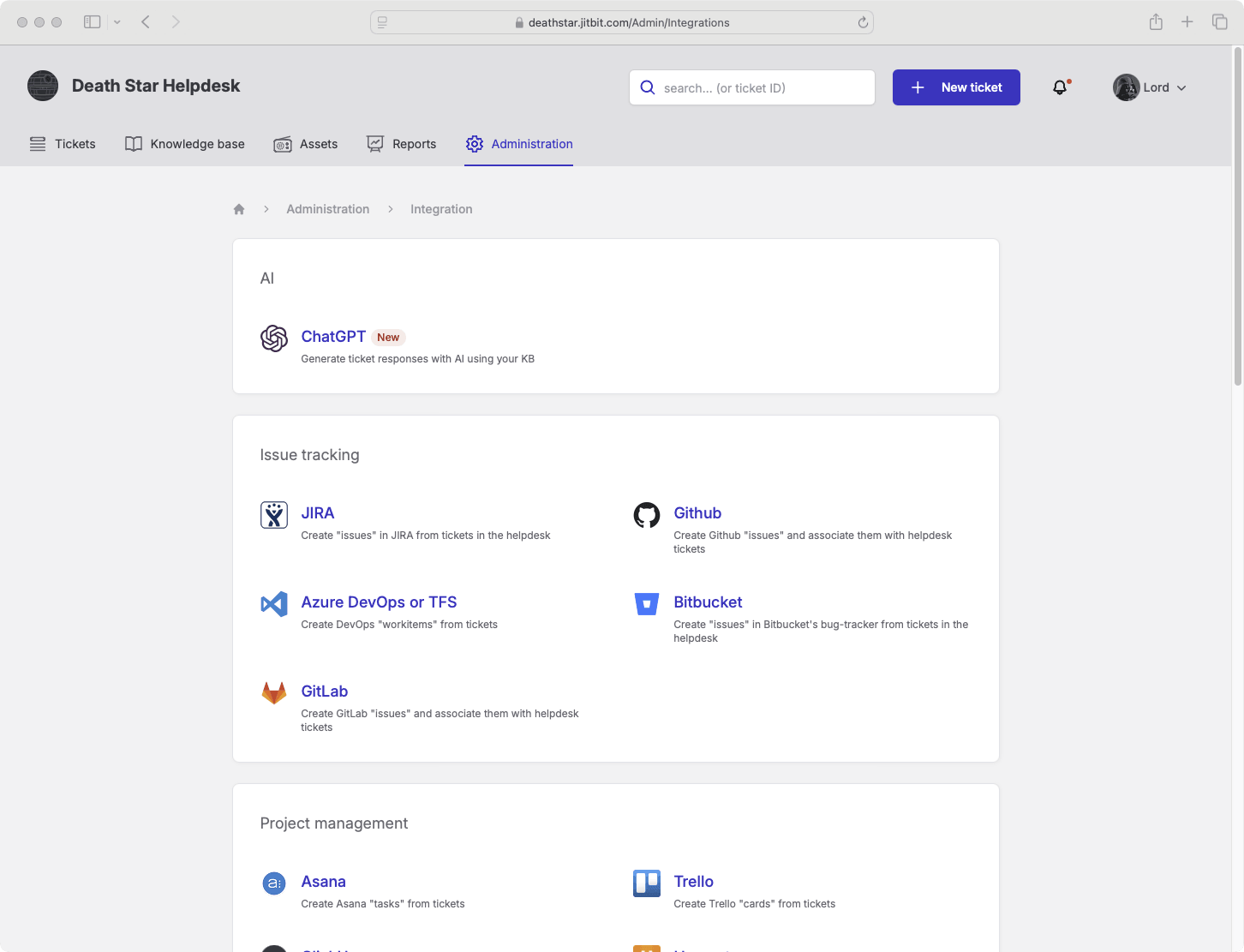
Or even use our AI to do that for you.
Our powerful, built-in "if this, do that" module helps you automate a heap of boring tasks and send SLA alerts.
iOS & Android
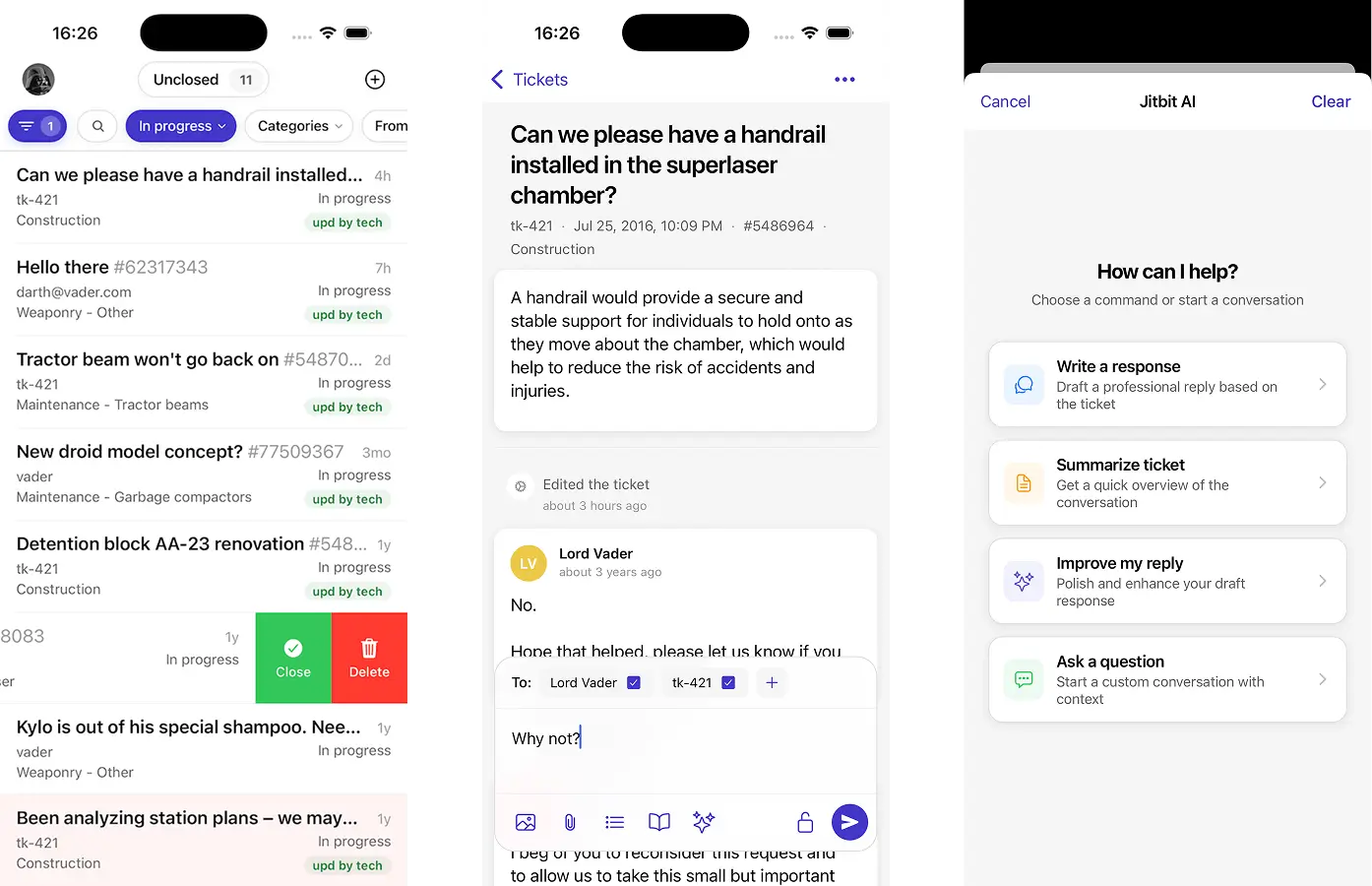
Native mobile apps for iOS and Android let you manage tickets from the server room or off-site. They are fast, secure, fully synchronized and work on slow connections.
Knowledge-base & end-user self-service portal
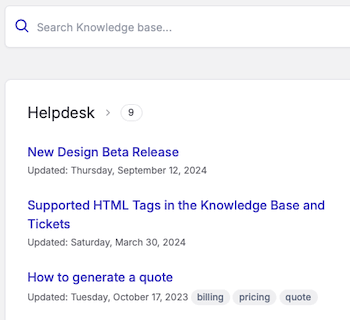
Deflect common Tier-1 tickets with a searchable FAQ and Knowledge Base. Users can track their own ticket status via the self-service portal, reducing "What's the status?" emails. All the ITSM best practices.
Customize the portal with your own HTML/CSS, logo, and tracking scripts.
Both me and my co-founder have years of tech-support background. We see new customers switching from Zendesk and Freshdesk every day because they need a tool that just works.
— Alex, founder and former sysadmin
Support ticket lifecycle
Here's how Jitbit's simple ticket system tracks and handles your customers' requests and saves your technicians' time:
- Users create tickets via email, web portal, API or integrations like WhatsApp. Each request gets a unique trackable ID.
- Automation rules and/or AI route the ticket to the correct tech or department.
- Techs collaborate via private notes and email replies.
- Resolution is logged, and the solution can be pushed to the Knowledge Base with one click.
Why teams switch to Jitbit
- Rated #7 in "18 Best Help Desks" by Research.com<
- AI-powered - ticket routing, suggested replies, and auto-categorization
- Trusted - by thousands of customers
- rated 4.7/5★ at Capterra - Affordable - flat pricing, not per-seat. See the detailed features list.
- SLA management - built-in escalations, alerts, and breach reports
- Hosted or self-hosted - choose SaaS or run it on your own servers
New to this category? Read our guide on choosing a ticketing system for an honest, sysadmin-written buyer's checklist.
Try it free
- Download the self-hosted trial — no expiration, test as long as you need.
- Start a 21-day SaaS trial — nothing to install, no credit card required.
All plans include free upgrades for one year. Embed a support widget on your website with two lines of JavaScript. Available in 25 languages. Full feature list.
View the end-user manual and the installation docs for admins
Explore Jitbit Helpdesk
Helpdesk features Hosted vs On-Premises Zendesk vs. Jitbit Compare alternatives Outlook Help Desk A Simple Support Ticket System System Requirements MS Teams and other integrations Help Desk Demo Email ticketing system GDPR Compliant Help Desk Software How does it work? ASP.NET help desk Helpdesk API Case Studies Customer reviews User guide FAQ Version history Download now Pricing